
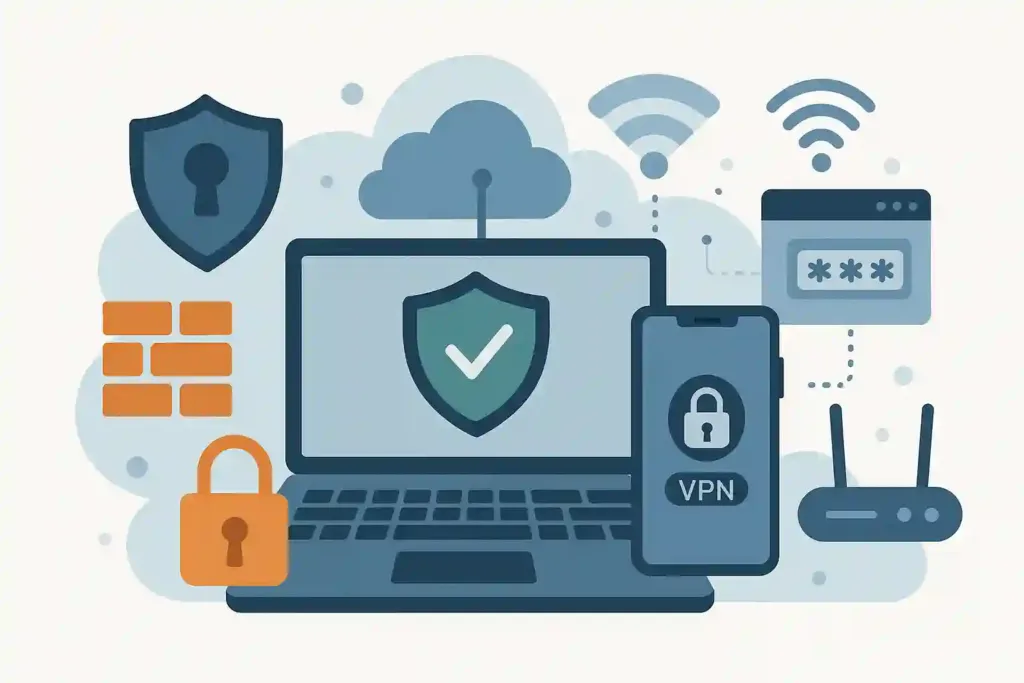

Why Personal Cybersecurity Matters More Than Ever
Data breaches, phishing attacks, ransomware, and identity theft affect millions of individuals every year, and the majority of these incidents exploit predictable human behaviours rather than exotic technical vulnerabilities. The cybercriminal who sends a convincing phishing email does not need to understand networking or write malware — they need only one person to click a link and enter their credentials. Understanding the social and behavioural dimensions of modern cyber attacks is as important as any technical safeguard.
Personal cybersecurity does not require a technical background to implement effectively. The habits and tools that reduce risk most significantly are accessible to anyone willing to invest a few hours in their initial setup and consistent application of a small number of practices. The security landscape is genuinely improving for people who use modern tools and follow basic hygiene, while those who rely on outdated habits face increasing exposure to attacks that are more numerous, more targeted, and more convincing than at any previous time.
Password Security: The Foundation That Everything Else Builds On
The vast majority of account compromises involve weak, reused, or stolen passwords. Using the same password across multiple accounts is the single most dangerous common security habit — a breach at any one of the services you use exposes every other service where you used the same credentials. The solution is both well-known and widely ignored: use a unique, strong password for every account. The practical enabler of this is a password manager, which generates, stores, and autofills complex unique passwords for every site, requiring you to remember only the single master password that unlocks the manager.
Reputable password managers including 1Password, Bitwarden, and Dashlane encrypt your password vault locally before synchronising it, meaning the service provider cannot read your passwords even if they wanted to. Bitwarden offers a free tier with full functionality for individual use. The initial setup investment of migrating existing accounts to unique strong passwords takes a few hours and pays dividends indefinitely. The argument that a password manager is itself a security risk — because all eggs are in one basket — ignores the comparison baseline: the current practice of reusing weak passwords is vastly more dangerous than a properly configured password manager with a strong master password.
Two-Factor Authentication: The Second Lock on Every Door
Two-factor authentication (2FA) requires a second form of verification — a temporary code from an authenticator app, a hardware key, or a biometric — in addition to a password to access an account. Even if a password is stolen in a breach or obtained through phishing, 2FA prevents the attacker from accessing the account without the second factor. Enabling 2FA on your email, financial accounts, and any other high-value account takes five minutes per account and provides a substantial security improvement.
Authenticator apps including Google Authenticator, Authy, and the 2FA built into most password managers generate time-based codes that are more secure than the SMS text message codes that many services offer as an alternative. SMS-based 2FA is vulnerable to SIM-swapping attacks, in which an attacker persuades your mobile carrier to transfer your number to a device they control. For high-stakes accounts, hardware security keys like YubiKey provide the strongest available 2FA by requiring physical possession of the key, which cannot be phished or SIM-swapped.
Recognising Phishing and Social Engineering
Phishing is the practice of deceiving someone into revealing credentials, clicking a malicious link, or transferring money by impersonating a trusted person or organisation. Modern phishing attacks are sophisticated — the emails, the text messages, and even the phone calls are increasingly convincing replications of legitimate communications from banks, employers, delivery services, and government agencies. The psychological techniques they use exploit urgency, authority, and fear to short-circuit careful thinking and prompt immediate action.
The most reliable defence against phishing is a consistent habit of verification through a separate channel when any communication requests action on an account, a payment, or credentials. If an email from your bank asks you to click a link and verify your account, the correct response is to open a new browser tab, navigate directly to the bank’s website, and check your account there — not to follow the link in the email. If a caller claims to be from your employer’s IT department and asks for your password, the correct response is to call the IT department through a number you have independently verified. These habits are inconvenient compared to simply complying with the request, which is precisely why they are effective — phishing attacks depend on the target taking the path of least resistance.
Essential Tools for Everyday Security
Beyond passwords and 2FA, a small set of tools significantly improves everyday security. A reputable VPN (Virtual Private Network) encrypts your internet traffic and is most important when using public Wi-Fi networks, where unencrypted traffic is vulnerable to interception. Mullvad and ProtonVPN are widely recommended for their privacy-focused policies and strong technical implementations. A DNS-based ad and tracker blocker like NextDNS or Pi-hole reduces the tracking infrastructure that many websites rely on to monitor browsing behaviour across the web.
Keeping software updated is among the most straightforward and most important security practices because the majority of successful attacks exploit known vulnerabilities in unpatched software. Enabling automatic updates for operating systems and applications ensures that security patches are applied promptly without requiring ongoing attention. Using a modern, actively updated browser — Chrome, Firefox, Safari, or Edge — and keeping it current provides the security benefits of continuous improvements to the browser’s own defences. These are habits rather than one-time setups, but they operate largely in the background once established and require minimal ongoing attention.